Your money.
A little clearer.
Log the small things. See the bigger picture. A Notion finance tracker paired with Apple Shortcuts for your everyday transactions.
Requires Notion + Apple Shortcuts. Setup guide included in the product.
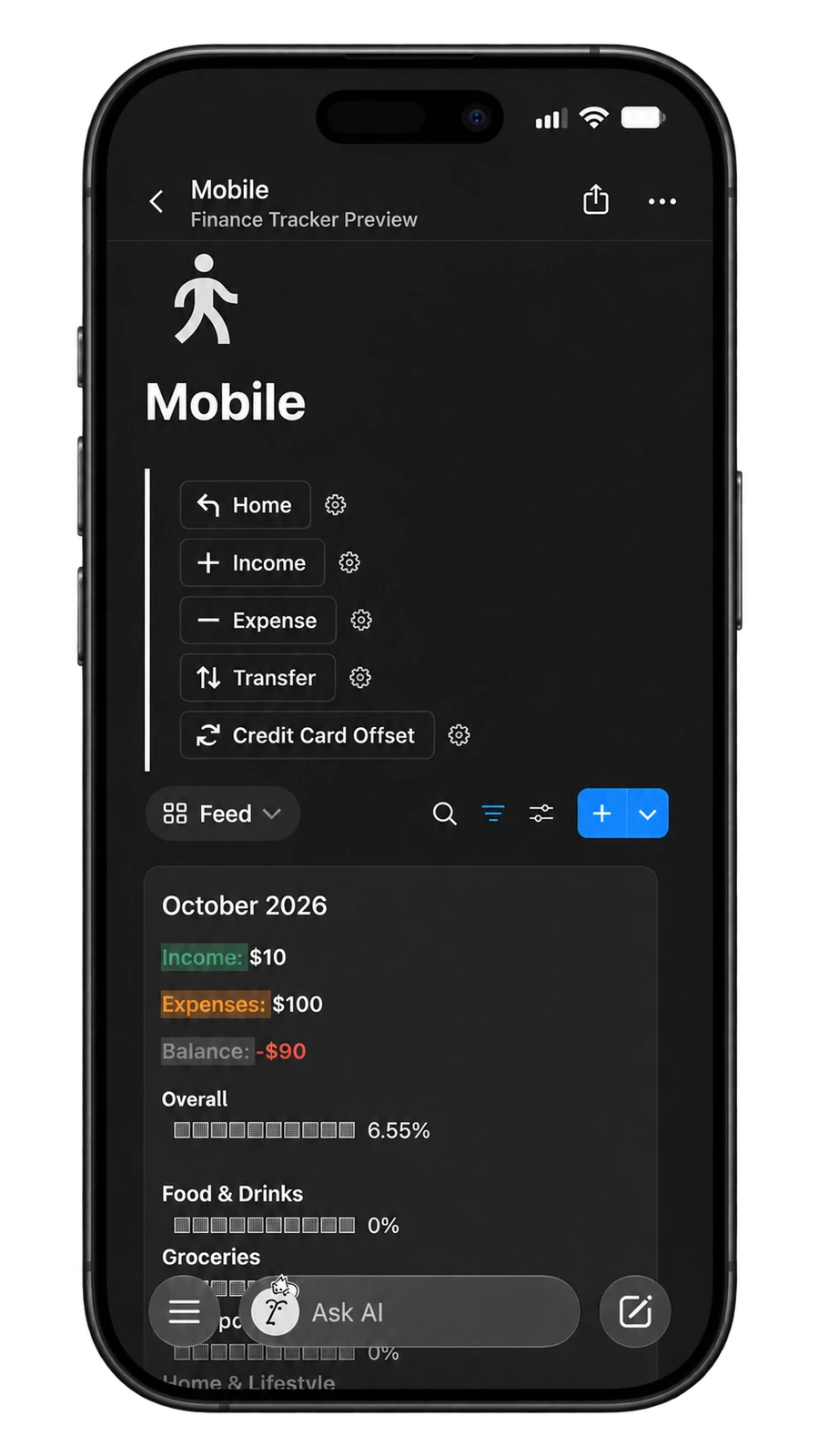


From a quick entry
to a clearer overview.
Choose your entry
Run the shortcut and choose income, expense, transfer, credit card offset, or goal contribution.
Fill in the details
Choose the date, account, amount, and category using the shortcut prompts.
See it in Notion
Return to your workspace to review your entries and monthly finances.
The everyday details,
in one place.
Less opening and navigating.
Use Apple Shortcuts to enter a transaction without navigating through your Notion databases each time.
A home for your finances.
Keep your transactions, accounts, categories, and monthly views together in your own Notion workspace.
Take your data with you.
Dedicated export views for Transactions and Months help you export useful columns to CSV for Excel or your own analysis.
A guide to make it yours.
The product includes a setup guide in Notion to help you connect the tracker and shortcut. Complete the setup before your first entry.
The actual screens.
The everyday workflow.
Explore the previews. Select any image for a closer look.
A question
before you start?
A few things to know about Finance Tracker. If something is still unclear, send me a note.
Ask BingWhat do I receive?
A Notion Finance Tracker, its Apple Shortcuts workflow, and a setup guide included within the product. Purchase and delivery are handled through Payhip.
Does it need setup?
Yes. Follow the included guide to set up your Notion workspace and connect the shortcut before logging transactions.
Can I export my data?
Yes. There are dedicated CSV export views for Transactions and Months. Open the relevant export view in Notion and use Notion’s export option. The export is a manual action.
Where does my finance information live?
Your transaction data is stored in your own Notion workspace. The shortcut is the quick-entry part of the workflow.
Can I use it on Android?
The shortcut workflow is made for Apple Shortcuts. The Notion workspace can be opened wherever you use Notion, but the shortcut itself is for Apple devices.
A little more clarity,
starting with the next entry.
Finance Tracker · S$15 · Notion + Apple Shortcuts
A few other useful things